Hypic for PC Free Download – Latest v8.7.0 Windows (2026)
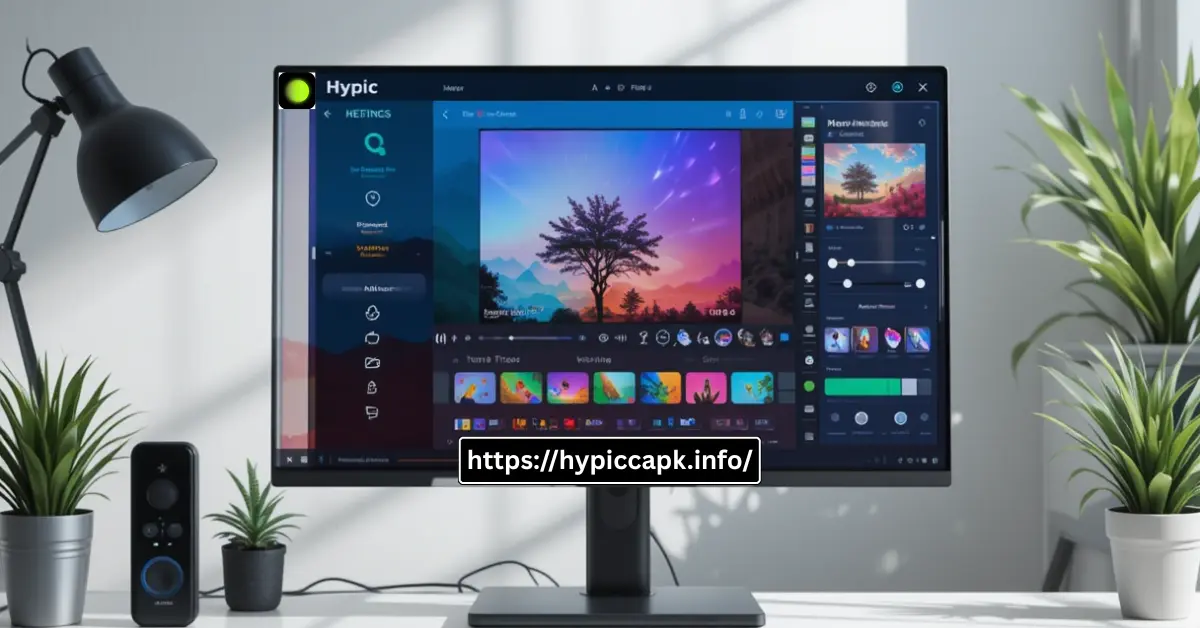
The Hypic for PC is now affordable for Windows PC. You can download it for free and benefit from many features that can make your editing journey easier. It includes features like different designs, such as AI Enhancement, AI Expand, and AI Live Photos.
Now you don’t have to worry about staying any longer because you can download the latest version of Hypic Mod APK PC for Windows PC. In it, you can fluently use all the VIP premium features and take your pictures from a low position to a high position. Hypic opens up new opportunities for those who use different tools to perform different tasks.
Then there’s a complete guide to downloading Hypic Mod APK PC for Windows. By following all these steps, you can fluently download Hypic Mod APK for Windows PC. By using it, you can complete your tasks speedily in less time.
Information Table
| App Name | Hypic Mod APK |
| Developed By | Bytedance Pte. Ltd |
| Latest Version | v8.7.0 |
| Category | Photo Editor & AI Art |
| File Size | 330 MB |
| Google Play ID | com.xt.retouchoversea |
| Mod Features | Premium Unlocked |
| Total Downloads | 10M+ |
| Reviews | 125k |
| Android Version Required | 5.0 and above |
| Age Rating | 3+ |
What’s New
- Its designed interface will be very easy to use for new users.
- Edit your images for free with many powerful AI tools.
- Easily create your video thumbnails using trending templates.
- Use thousands of trending AI filters to complete your projects.
- Remove backgrounds in one tap using Hypic AI’s tools.
- No ads appear during video editing in this app, and download your edits without a watermark.
Hypic for PC
AI is rapidly developing around the world, which is why the hype of photo editors has increased. Now, users love to use the app because it integrates and presents AI instead of the usual one it had before. It completes the common work of the users in a minute. Also, you can create multiple photos at the same time with a simple text prompt.
From enhancing the quality to removing backgrounds and retouching to selecting live photos, everything can be done with the help of AI tools. Therefore, using Hypic Photo Editor and AI Art app is the best choice for everyone, as its official mod APK is available for Android, iOS, and Windows PC, respectively, to meet all your needs.
Now, you can turn simple photos into masterpieces using the latest AI tools for free. Bytedance Company has developed it and has received a rating of 4.8, with more than 100,000 user reviews on the Play Store so far. So now you can guess its popularity.
That is why it is not only a photo editor app but also has various templates, filters, and AI tools, and you can complete your work in minutes. Therefore, having it on your Windows PC will be the best choice for photo editing and generation.
How To Download and Install Hypic AI On a Windows PC?
As we all know, if we want to use Android apps on our Windows PC 7,8,10, or 11, we must have BlueStacks LD Player MeMu or any other emulator; only then can we use it, so follow the information given to avoid any problems. Let’s get started.
Step 1: Download LD Player Emulator
- First, go to the official LD Player website and download the 64-bit version as per the PC requirements.
- The download will start automatically, so wait for it to complete.
- It may take a long time to download, depending on your internet connection.
- Wait for the Hypic Mod APK pc download to complete.
- When the process is complete, save the file to your PC.
Step 2: Install the Emulator on your Windows PC
- First, open the file explore and go to the download area.
- Find the saved file of the LD Player emulator.
- Once you’ve searched and found it, a click will bring up an installation option. Click that to install.
- Now you have to wait for the setup process to complete.
- When this process is done, open it and follow the usage steps.
- Following the steps, your LD Player emulator is completely set up and available.
Step 3: Download and Install Hypic AI APK
- Click on the link over and download Hypic Mod APK PC for your Windows PC.
- Let the download complete successfully.
- When the downloading is complete, open your file manager, go to the download option, and locate the downloaded file.
- After getting the file, click on it and paste the file into the LD Player emulator, and the installation will start automatically.
- Now the Hypic AI official photo editor app will be installed on your Windows PC, and you can use it.
- Now you can fluently download the latest and updated version of Hypic Mod APK PC for free on your PC and get full access to its advanced AI tools and use all its premium VIP features fully free of cost.
How to Use Hypic AI After Installation?
Once the Hypic Mod APK PC is successfully installed on your Windows PC, follow the given steps to make the most of the powerful features of the app. Launch Hypic. Open the emulator and run Hypic Mod APK on your PC like any other Android. Upload your photos. Import your photos using the file uploading option in this app.
Various AI editing tools to enhance your photos, background removal, image enhancement choose from various filters. Once you are done with your editing, save the photos to your computer or PC. Share it directly on any social media, TikTok, Facebook, or YouTube.
System requirement for Windows PC
| Required OS | Windows 7 and more |
| Size | 330 MB [Mod APK] |
| Latest Version | v8.7.0 |
| Processor | Intel Core or AMD |
| Total Downloads | 10M+ |
| RAM | 2GB or more |
| Free storage | 5 GB and more |
How to use Hypic for PC?
Hypic Mod APK PC offers a great way to run this app on a Windows PC through an emulator. Here is a complete step-by-step guide to get the most out of the AI-powered photo editor. You can improve the quality of your photo editing by following these steps. You can complete your editing.
Optimizing Your Workflow with Hypic for PC
Hypic Mod APK allows for workflow even when working with large files on a Windows PC. Here are some ways to improve it. The emulator usually also allows for keyboard shortcuts. This helps us speed up our editing process. Take advantage of batch editing to handle large amounts of multiple images more efficiently.
Hypic Mod APK allows you to edit multiple images immediately. Download files in multiple formats. Hypic allows you to export your images to different formats, which is essential for different platforms.
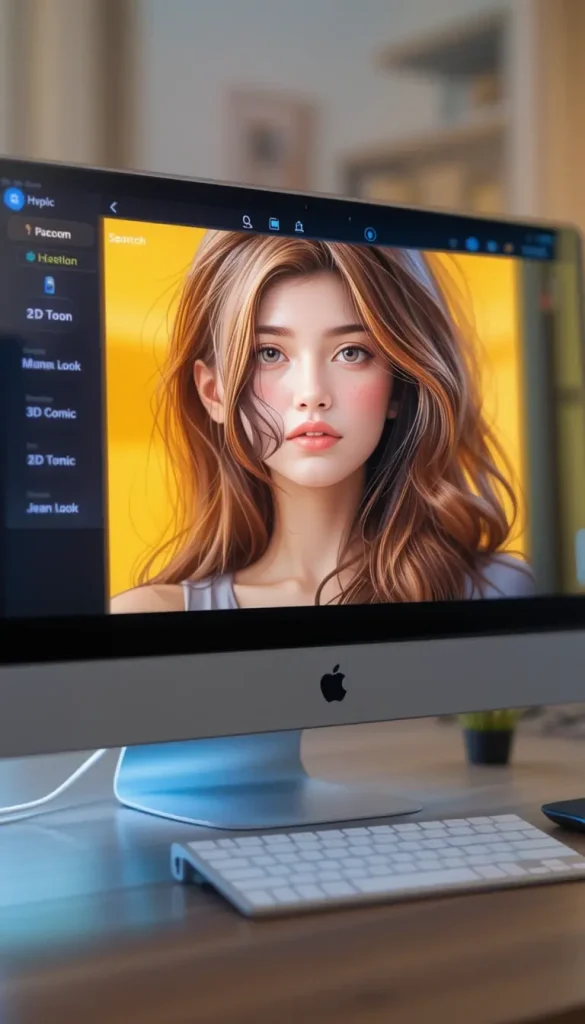
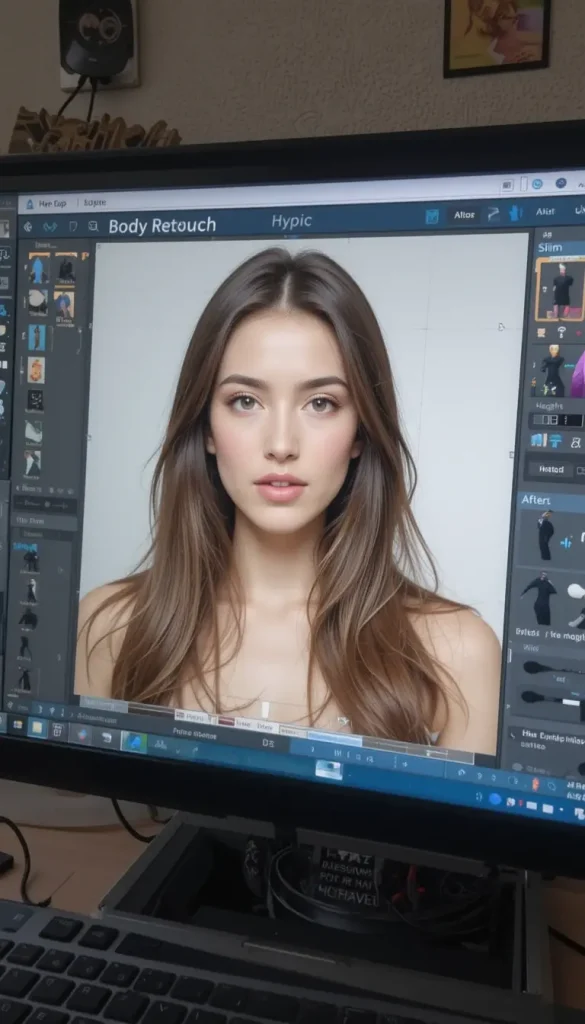
Features of the Hypic for PC
AI Clean-up
Hypic for PC enhanced AI Cleanup tool is a standout feature, expertly removing unwanted objects from your images. You can use this tool to eliminate blemishes and other defects from your images, too. Don’t forget to use the AI tool to enhance your photos. This process is faster, more accurate, and increases productivity. This is perfect if you need to edit and change your photos.
AI Image Quality Enhancement
Was your picture not clear and sharp? Don’t worry, though, because Hypic for PC has AI-powered image improvement tools that will make your grainy photo look like a masterpiece. Following that, you can post it to YouTube and other social media sites.
AI Cutout
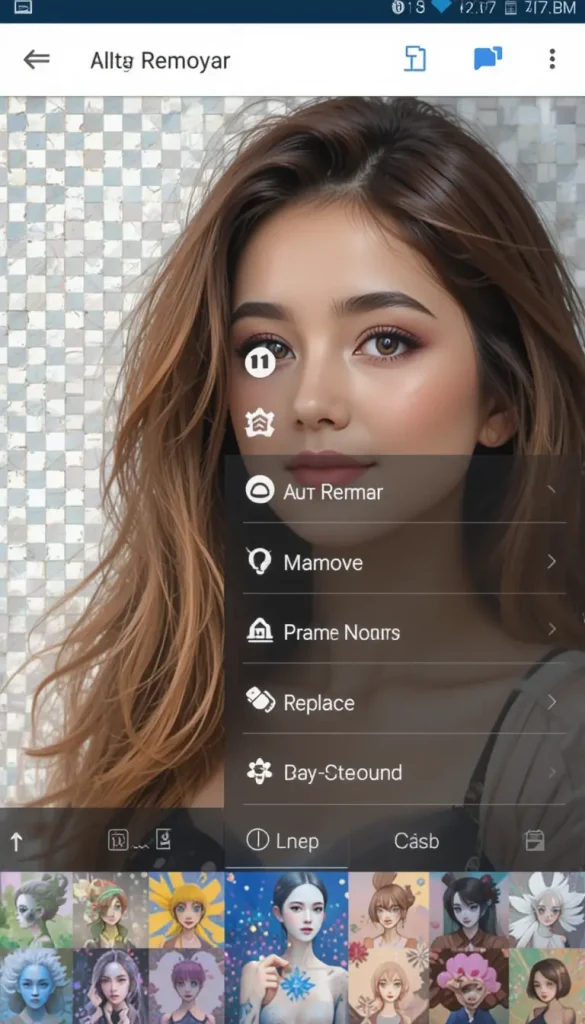
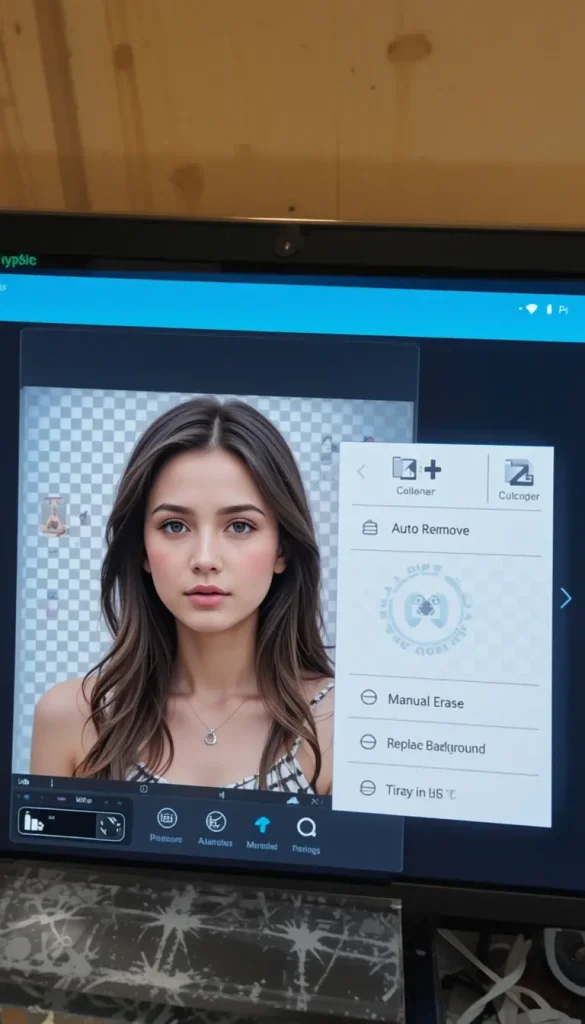
The Hypic Photo Editor & AI Art app provides us with many features, one of which is the AI cutout tool. Through this tool, you can easily remove and change the background. Through this tool, you can improve your photo editing skills. The cutout tool is very important in Hypic. With the help of this tool, you can use trending backgrounds in your photos, which can make your photos amazing to the viewer.
Batch Edit
Are you spending time on another app while editing multiple pictures? Now, you don’t need to worry because, using the Hypic for PC AI batch edit feature, you can make changes to multiple pictures at the same time. With this feature, you can edit multiple pictures at the same time, and you can fluently download them to your gallery with one click.
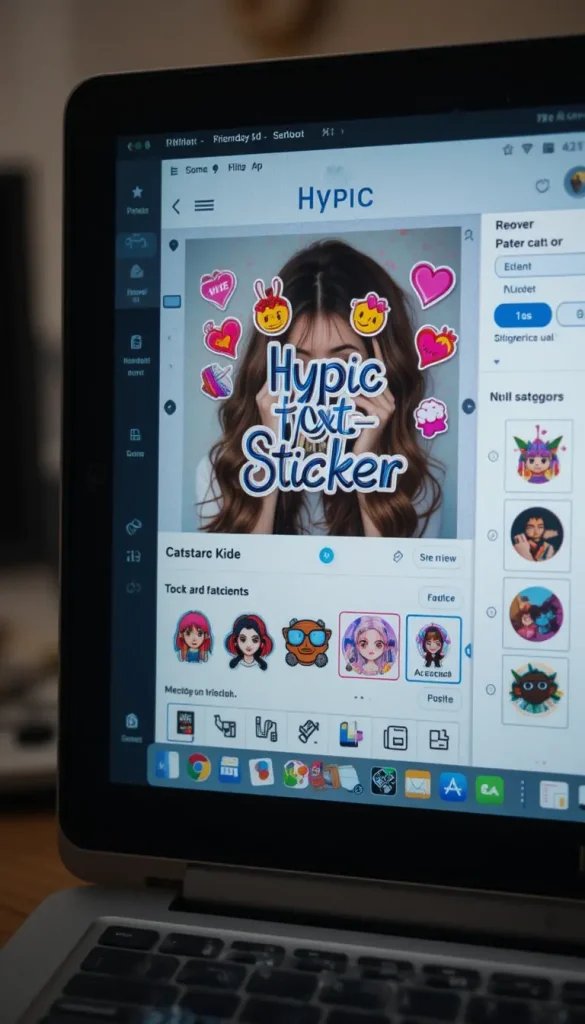
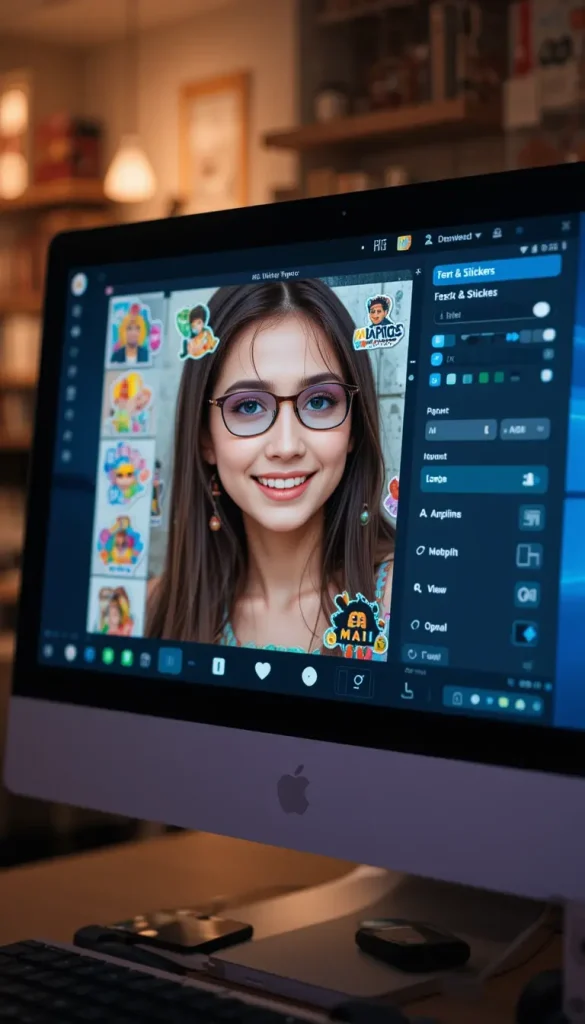
Collage and Overlay
The Hypic for PC offers variety and a distinct range of creative collages and overlay styles that will match your moods if you are a beginner or skilled photo editor, through which you can add style to your photos to make them more attractive. Also, express your imagination using overlay images through mixing effects.
Screenshots

Pros and Cons of Hypic Mod APK PC?
Pros
1. With the help of AI tools, you can improve your photo enhancement with background removers and effects.
2. Hypic for pc provides a simple interface for new users, making it easy for users to use.
3. Hypic APK provides all the premium VIP features free of cost to its users without any payment, allowing users to do fan editing easily.
4. Hypic Mod APK allows users to use this app on both Android and Windows PC. You can use this app on a Windows PC by using an emulator.
Cons
1. Hypic for PC may have limited official support and updates, which can lead to various issues.
2. Using this app for Windows requires installing an emulator. This is an extra step that may affect performance on low-level Windows PCs.
3. Hypic Mod APK, which is not an official release, requires downloading from other files and can be dangerous if downloaded from untrusted sources.
4. Some older devices may experience slow performance during editing due to their advanced features.
Is it safe to use on a Windows PC?
Using mod APKs can pose many risks; however, make sure that you are downloading the Hypic for PC from a secure site. Once you download it, make sure that your antivirus software is turned on to avoid any viruses.
Yes, the latest version of Hypic AI APK is safe to use on Windows PCs and Android, as we have tested many before. Because we have tested it on many software before, it is safe and free from any risks.
The Mod APK is completely free from risks. So, make sure that you are downloading this app from a secure source or file so that you can complete your editing without any problems.
FAQs
Final Words
Hypic for PC is a powerful AI-powered photo editing app that has become very popular due to its user-friendly interface and advanced features. By downloading Hypic Mod APK PC for Windows PC, users can take advantage of features like photo enhancement and photo editing. The app provides many AI tools like batch editing, background removal, and portrait enhancement.
Anyone who wants to edit their photos can fulfill all their needs with the help of the Hypic Mod app. However, it is important to make sure that you are downloading it from a third-party site. Moreover, users should be aware of the system requirements to run this app on a Windows PC and should take advantage of an emulator to run this app without any hassle.