Hypic Mod APK Download v8.7.0 (Premium VIP Pro Unlocked)
Hypic Mod APK
330 MB
v8.7.0
Photo Editor & AI Art
5.0
10M+
A great choice for photo editing enthusiasts is the Hypic Photo Editor & AI Art app, created by Bytedance Pte. Ltd., which has added many features and enhancements over time. These days, everyone wants their photos to be perfect so that they can share them with their friends and on different applications. So, Most people want their pictures to look flawless for sharing on social media and other platforms.You no longer have to stress about photo editing because Hypic APK is an application that helps enhance and improve your pictures by cropping and using AI wide range of effects.
Hypic APK is highly popular among editing lovers. Hypic Mod APK is a powerful app that brings together picture editing with AI-generated art. Its most recent version is completely free, and it can be downloaded effortlessly for free. It gives you access to all pro features for free.
Information Table
| App Name | Hypic Mod APK |
| Developed By | Bytedance Pte. Ltd |
| Latest Version | v8.7.0 |
| Category | Photo Editor & AI Art |
| File Size | 330 MB |
| Total Downloads | 10M+ |
| Mod Features | Premium Unlocked |
| Google Play ID | com.xt.retouchoversea |
| Reviews | 125k |
| Age Rating | 3+ |
| Android Version Required | 5.0 and above |
What is Hypic Mod APK?
Hypic APK is a modified version of the Hypic Photo Editor app, which is specially designed for those who want to take advantage of VIP features without paying money. In this modded version, users get all the tools and options that are normally available only to paid members. Firstly, all the premium tools are unlocked for free, with the help of which you can use advanced photo editing AI filters and high-end tools. The second special thing is that this app does not contain any ads, which means that no advertisements distract you during editing.
This app is also best for those who want unlimited creative options because it has no limit on AI filters, effects, and tools. You can use it as much as you want. You can also use the AI avatar generator for free, which normally has to be unlocked in the paid app if you want to edit more than one photo at a time. If you want to edit photos, this mod version has the batch editing feature without any restrictions. Overall, the Hypic APK has become a powerful tool for all those who want a professional-level editing tool without a subscription.
What is Hypic APK?
Hypic APK is an Android usage range file that’s designed for Android mobiles. It’s easily available for download from the Play Store and App Store. In Hypic APK, people take advantage of picture enhancement tools and AI-predicted tools.This app offers advanced filters for impressive photo editing and a built-in background remover/replacer.
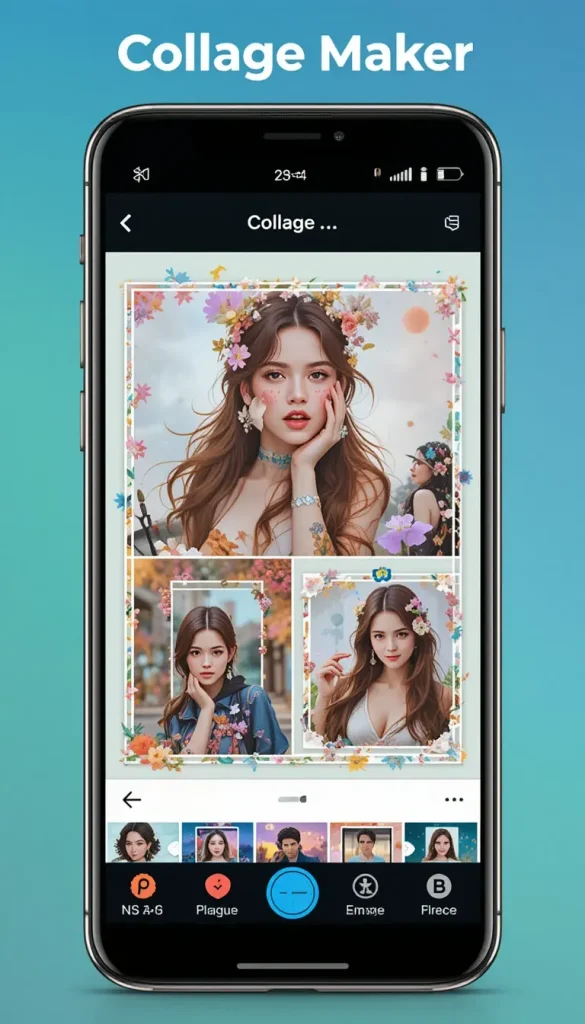
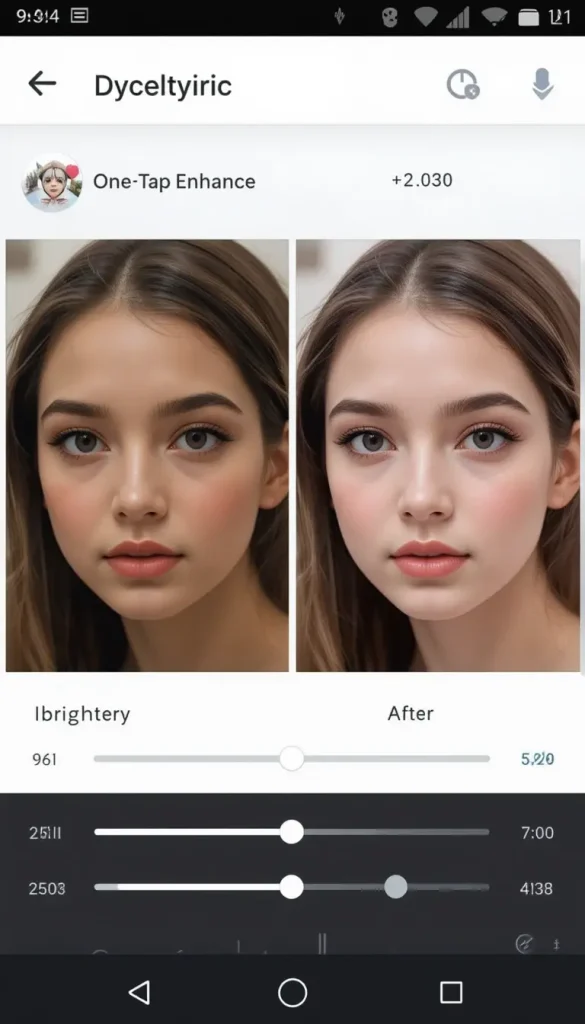
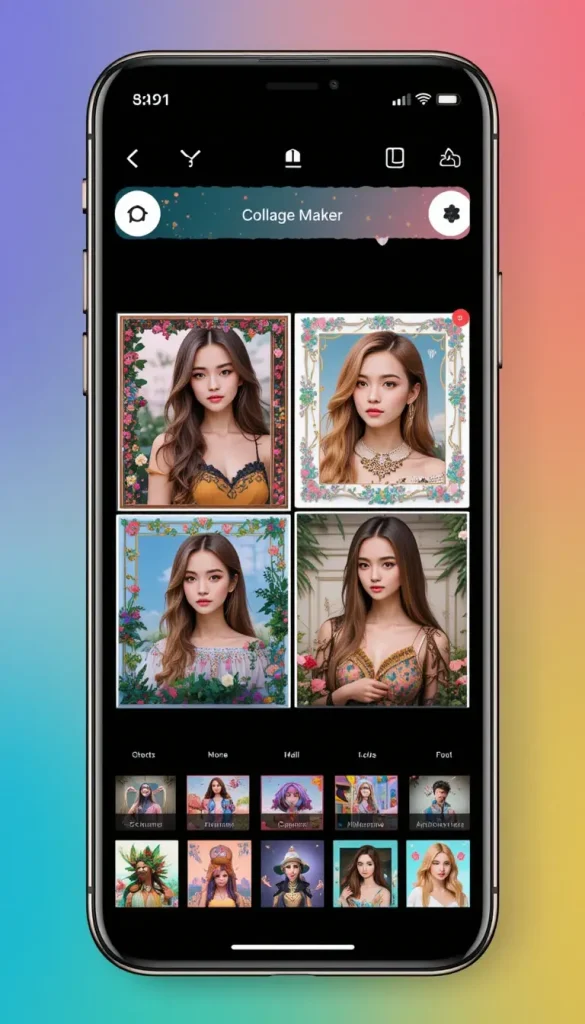
Hypic APK also gives users the option to produce their selfies. It provides us with retouch tools that can be used to smooth skin, cheer eyes, whiten teeth, and enhance the image. This app also provides a collage maker in which multiple photos can be combined and edited together, saving time.
Hypic Apk vs Hypic Mod Apk
| Feature | Hypic Apk | Hypic Mod Apk |
| Cost | Free with in-app purchases | Free (all features unlocked) |
| Premium Features | Requires subscription | Unlocked |
| Security | Verified and secure | Risk of viruses |
| Updates | Regular and official updates | Updates only on our website |
| Source | Google Play Store | Third-party websites |
| Support | Official customer support | No official support |
Features of the Hypic Mod APK
AI Clean-up
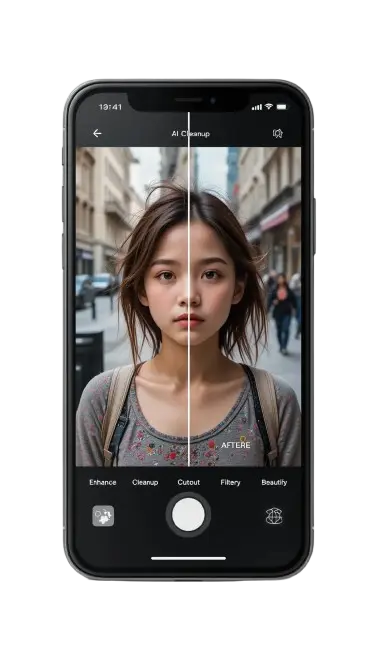
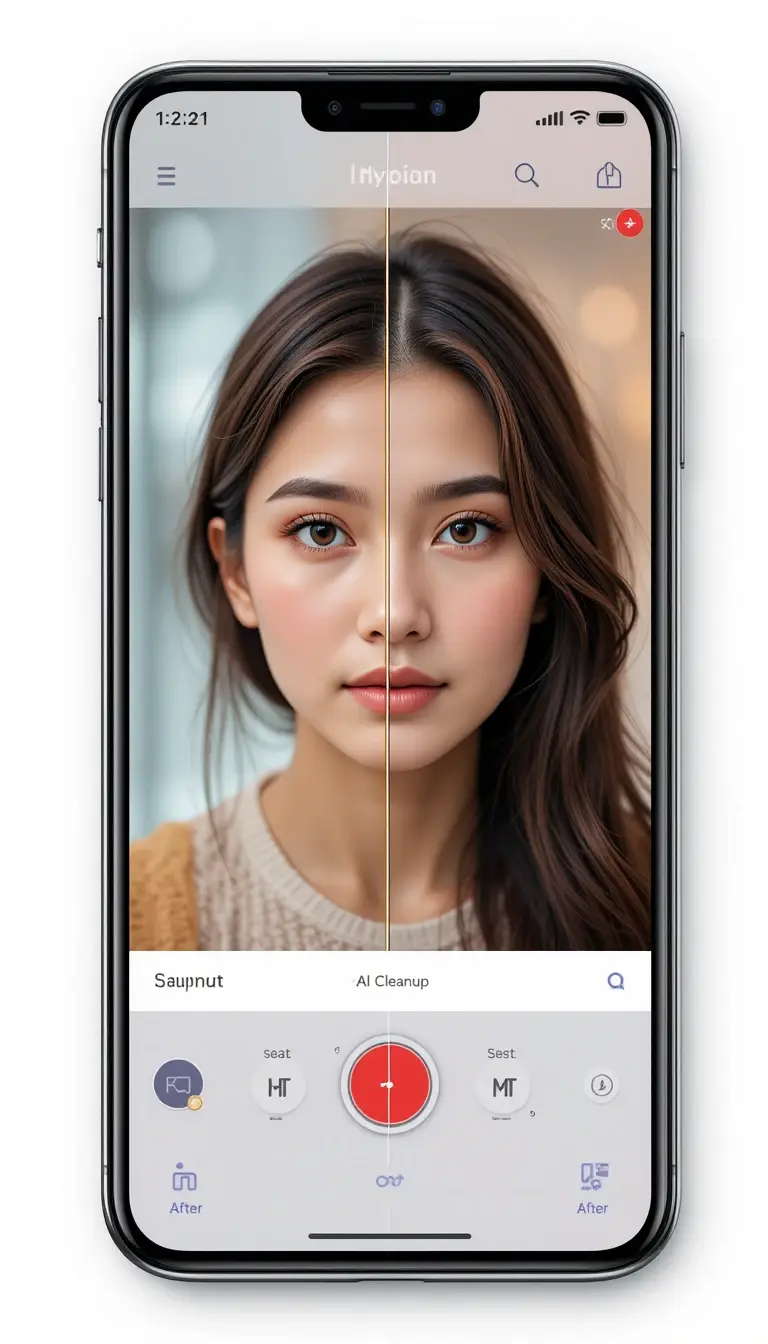
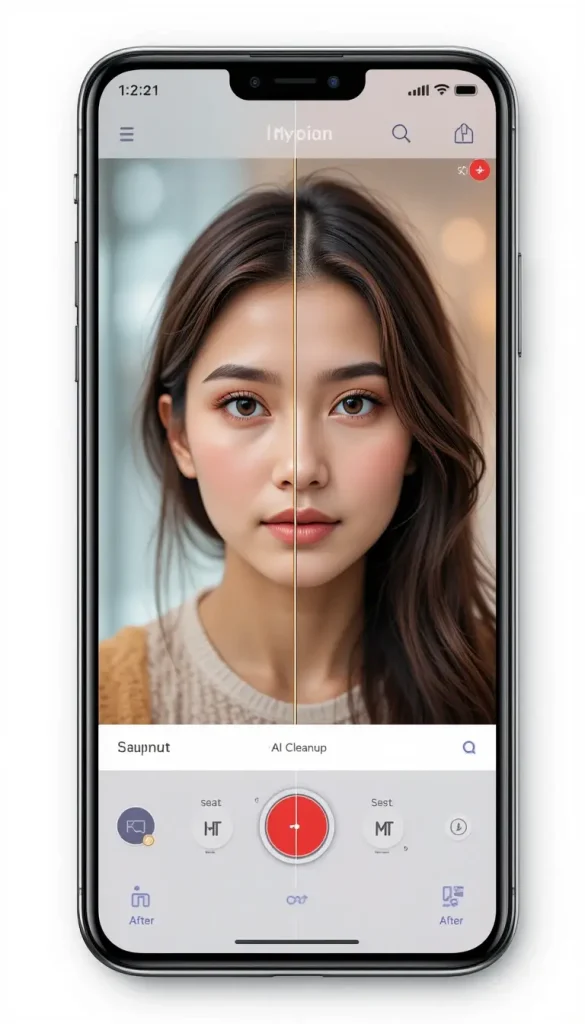
One of Hypic’s most advanced features is the AI Cleanup tool, which helps you detect and remove unwanted objects from your photos. You can also remove blemishes or other imperfections in your photos with the AI Cleanup tool. Be sure to use the AI tool to clean up your photos. The process is quicker and more precise, and you can get more done in less time. It’s a great choice for those who need to sharpen and transform their photos.
AI Cutout
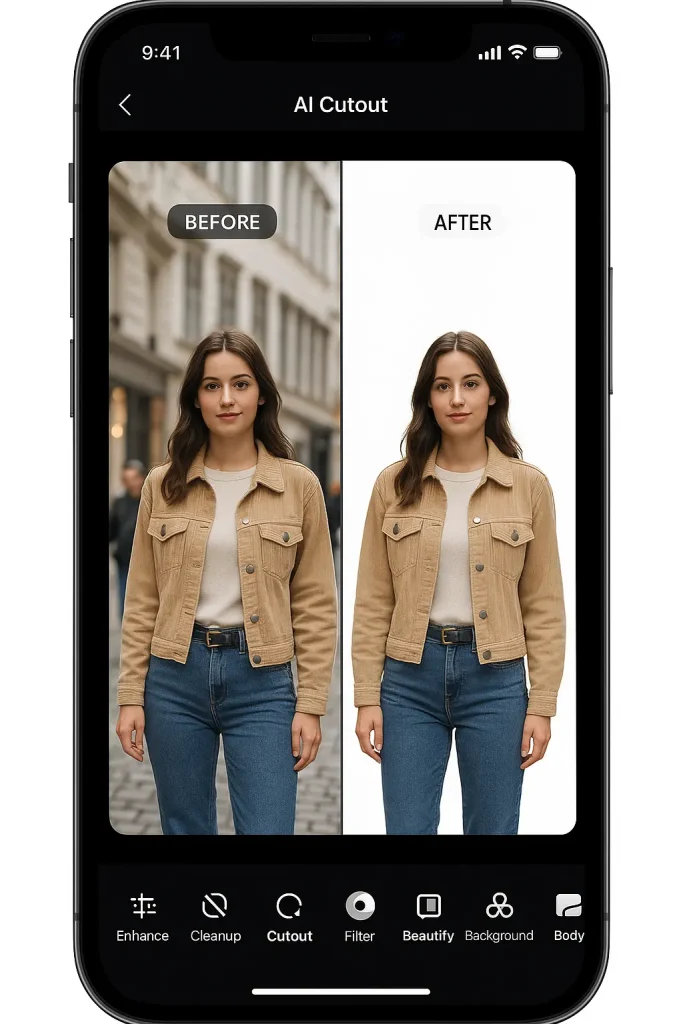
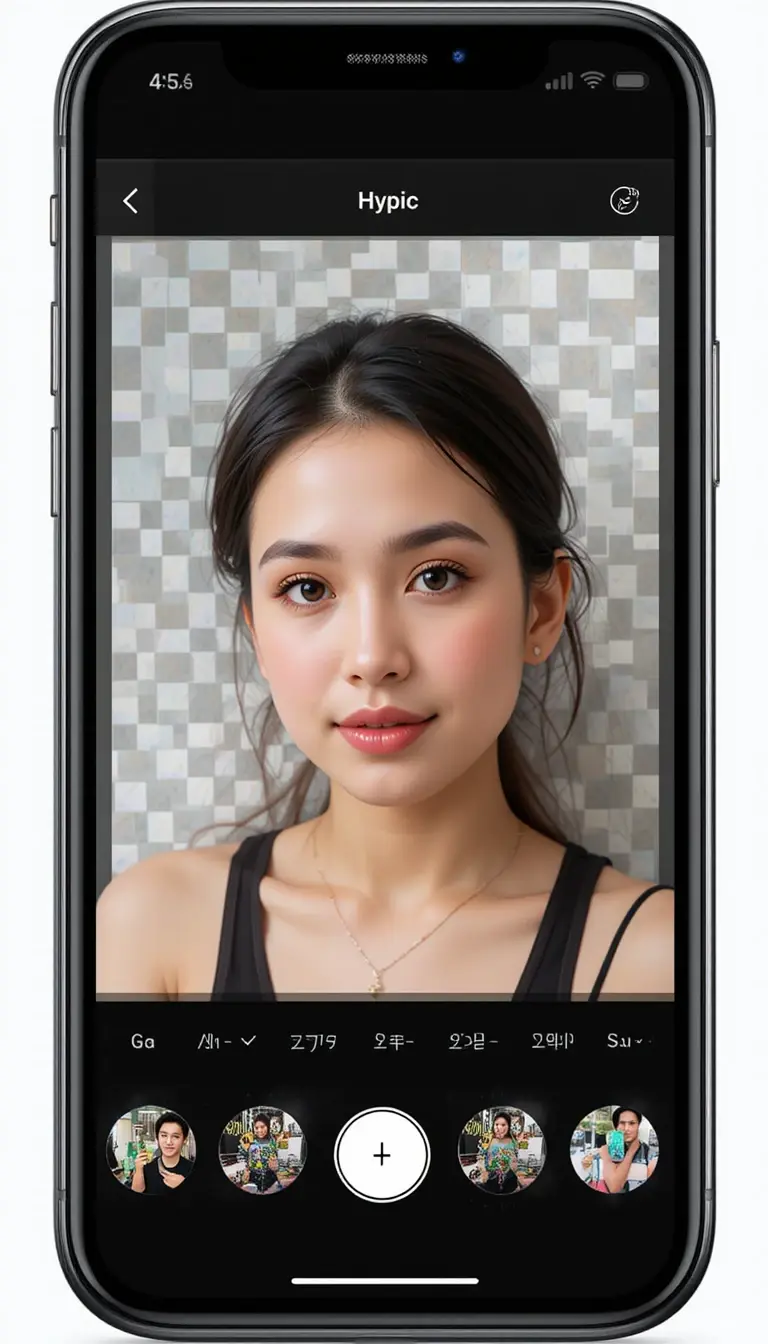
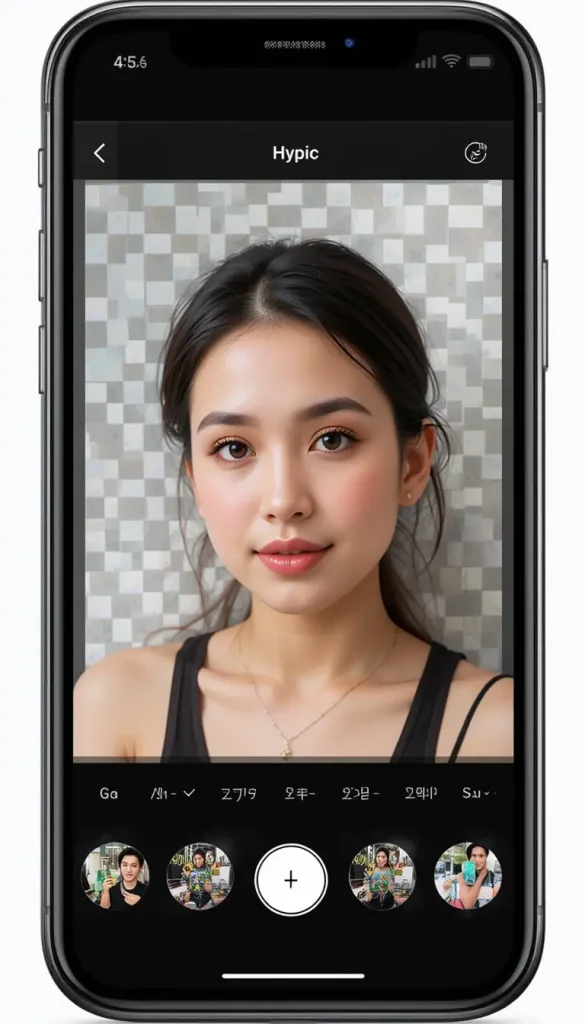
The Hypic Photo Editor and AI Art App is driven by a state-of-the-art algorithm that provides outstanding features, including the advanced AI Cutout tool. This feature instantly detects and removes backgrounds with great accuracy, enabling smooth adjustments for efficient editing. Enhance your photo editing experience with this powerful AI functionality.
Batch Edit
Are you spending time editing multiple photos using other applications? Don’t worry, now you can edit multiple photos at once using the batch edit feature of Hypic AI, and you can easily export and store them to your gallery with one click.
Collage and Overlay
The Hypic Photo Editor and AI Art App is driven by a state-of-the-art algorithm that provides outstanding features, including the advanced AI Cutout tool. This feature instantly detects and removes backgrounds with great accuracy, enabling smooth adjustments for efficient editing. Enhance your photo editing experience with this powerful AI functionality.
AI Image Quality Enhancement
Was your photo not looking crystal clear? Then, don’t worry, because Hypic Mod apk offers AI photo enhancement features that will turn your blurry photo into a clear masterpiece. After that, you can post it on your networking platforms and even on YouTube.
Free Ultra HD 4K Export
You can fluently download edited pictures to Ultra HD 4K. The advantage of this is that it improves the quality of the pictures and can surprise the watcher.
Video Thumbnail Editing
In this app, you can easily create thumbnails, and it provides you with the facility to create viral trending video thumbnails in CapCut.
Ad-Free
In Mod APK, you don’t get any advertisements while editing pictures, and you can work seamlessly without any interruption. Because there are no advertisements, you can edit better in a shorter duration.
Premium VIP Features for Free
This Mod APK includes all VIP exclusive features for free, including AI filters, AI functions, and AI advanced features for free, which can be used to enhance images fluently. You can make your photos amazing by using the up-trending filter effects. All the features are free of cost. You can easily complete your editing, and the amazing viewers of the edited photos.
Incredible Features Of Creative and Portrait Editing
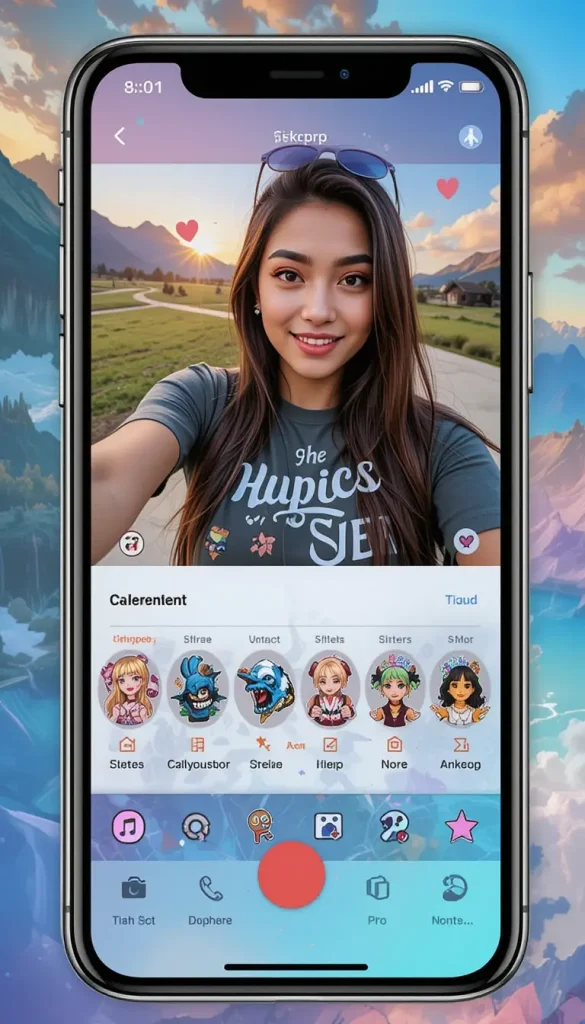
Hypic AI Heap has divided all its features into different sections, ranging from AI cutouts to collage makers and from background removers to AI tools. You can enhance your images using all these tools. You will find all this available in one place. You can perform various tasks by taking advantage of all these features.
AI Avatar:
Create multiple avatars from a single image using AI Avatar features. This will increase your working capabilities. Make sure you use it. Using AI Avatar, you can change the faces in your photos. AI Avatar provides you with features that you can use to give your face the face of a different avatar. Many people do not like to put their face on different platforms, so using Avatar, you can put different avatars as profiles on platforms.
AI Filter:
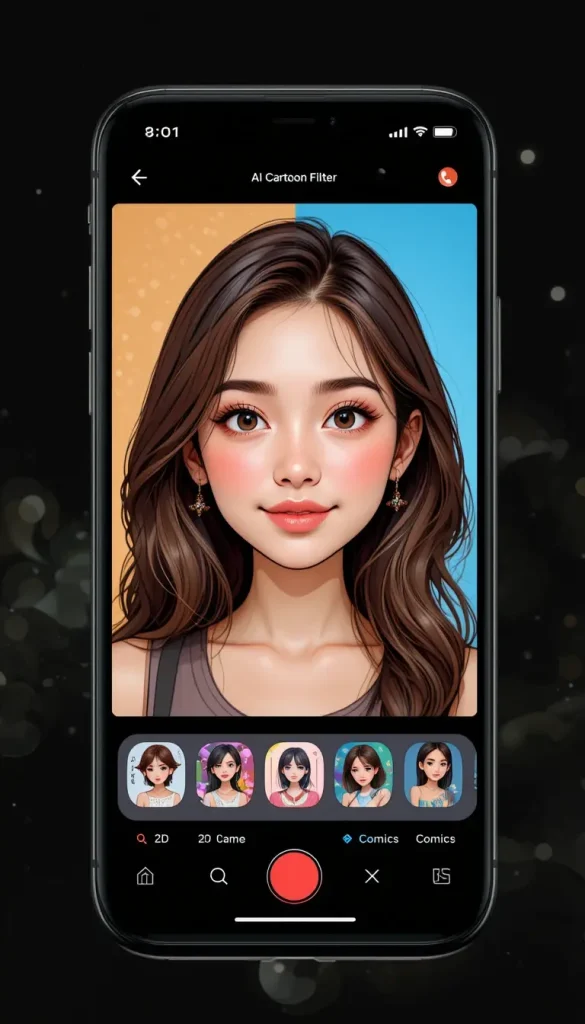
You can easily use trending AI filters in Hypic. By using these filters, you can make your photos astonishing. By using trending filters, you can make your photos astonishing. This AI filter provides many features, including brightening, dimming, and darkening the photos. On different platforms, you can use trending filters on different platforms. Through AI filters, you can make your photos and videos viral. The filter in the Mod APK provides you with high-quality features like AI filters at a high level.
AI Retouch:
Unlock the AI-powered magic in Hypic APK, where you can design your hair according to your mood and give your photos a new look. In addition, you can use the AI Retouch tool in it to adjust your smile and add life to your photos.
Makeup:
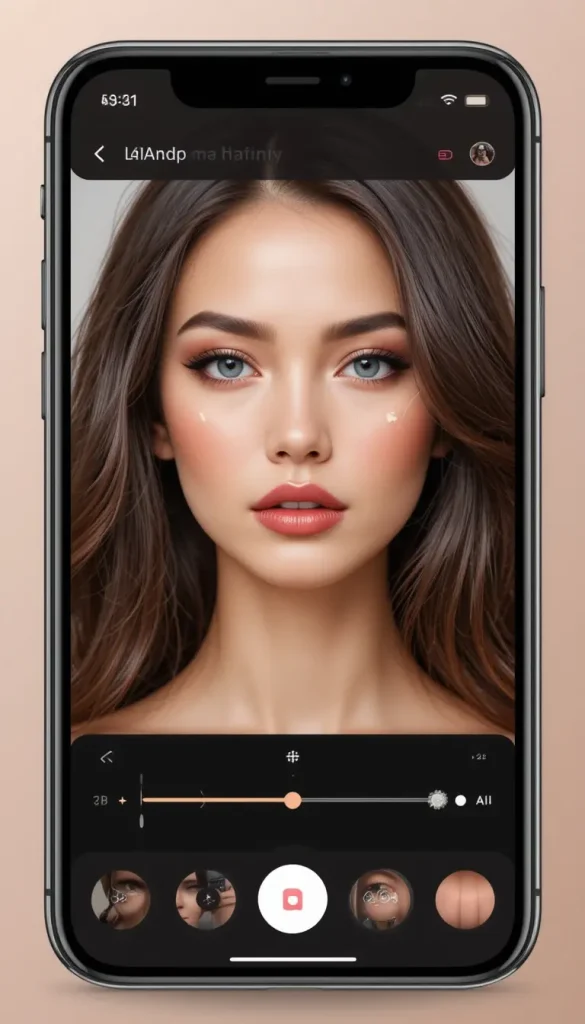
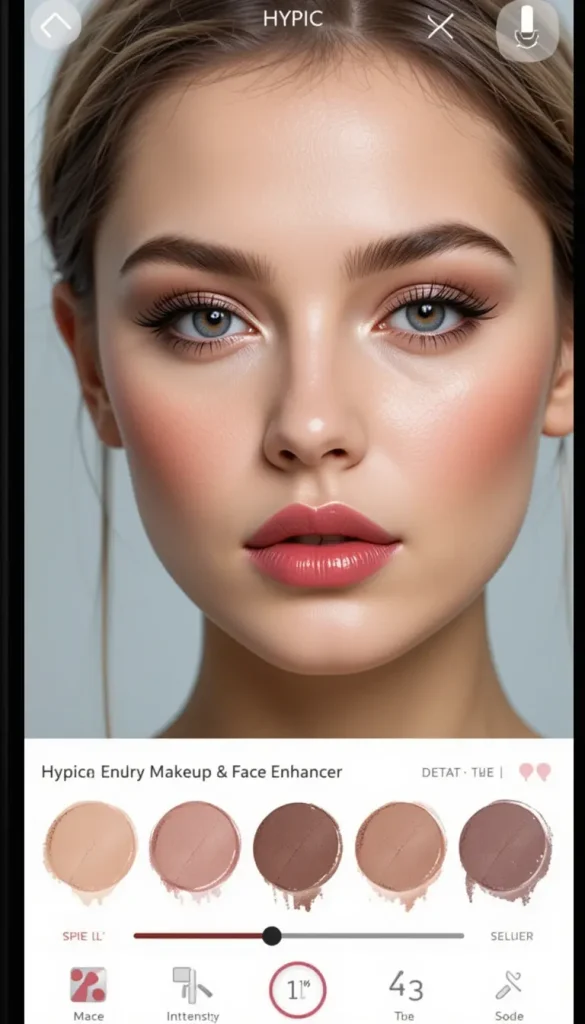
In Hypic, you can use makeup to make your photos look amazing. Makeup will make the photo look beautiful and attractive. With makeup, you can remove unnecessary blemishes, marks, and other things on your face from your photos, which will make your photo more beautiful and better.
Retouch Tools:
In Hapic, you can use the retouch tool to adjust your body, adjust your facial tone, and smooth skin. This can make your photos look amazing. If you post it on any platform, your number of followers can increase. With the help of the retouch tool, you can remove the flaws in your body in your photos with one click. This makes your photo more beautiful and better.
Screenshots
System requirement for Hypic photo editor
| Required OS | Android 5.0 or up |
| Size | 330MB |
| Latest Version | v8.7.0 |
| Processor | 1.5 GHz or higher |
| Internet connection | 4G and stable |
| RAM | 2GB or more |
| Free storage | 500 MB or more |
Additional Requirements
Ensure a Stable Internet Connection
To get the most out of the Hypic AI app, make sure that your device is connected to a reliable internet connection. Having a good connection will help you get the most out of the Hypic AI app. You can edit more in less time without any hassle. A slow internet connection can cause problems with Hypic AI, as it may take a long time to upload, download, or edit photos.
Check for Sufficient Free Storage
To download your edit, make sure that your device has storage. Having storage means you can easily download your edited photos to your device without any hassle, so having storage on your device is very important.
Review the Basics Guide for a Better Experience
Before using the Hypic AI app, take the time to check out its tutorial. It will help you understand the app’s capabilities and how it works.
How to download and install Hypic Mod APK
To get all the premium VIP features, downloading and installing Epic Mod APK is very easy. Just follow all the steps given below as guided. If you have followed all the steps carefully, you will download and install it easily. Let’s get started now.
Step1. Download Hypic Mod APK
- Click on the download button above to download the current version of the app for Android mobile. Make sure you are downloading the Premium unlocked version to get premium features without any irritation or restrictions.
- Downloading will start automatically. Stay for the download to complete.
- After the download is complete, go to the download option and click on the Hypic APK file to start the installation process.
Step2. Install Hypic Mod APK on your Mobile.
- After downloading the application, you need to allow installations from unknown sources. Go to Settings, select the Security option, also then go to Install Unknown Apps and enable it for your web browser.
- Tap on the file to begin the setup process. Follow the clear instructions to complete the setup process.
- Once installed, open the application and enjoy all the premium features unlocked on your device.
- Now you can fluently use the Hypic APK on your device.
Hypic Original App vs | Premium vs | Mod Version
| Features | Original Version | Premium Version | MOD Version |
| Price | Free | Subscription Required | Free |
| Available On | Google Play Store | Google Play Store | Hypic Mod Website |
| Watermark | Yes | No | No |
| Offline Use | Yes | Yes | Yes |
| Access to All Features | Limited | Full | Full |
| Access to Premium Assets | No | Yes | Yes |
| Premium Effects & Fonts | Limited Access | Full Access | Full Access |
| Cloud Backup | No | Yes | Yes |
| Multilayer Editing | Yes | Yes | Yes |
| Updates | Yes | Yes | Update only on our Website |
| Export in High Resolution | Low Resolution | High Resolution | High Resolution |
| Security | Yes | Yes | Security risk due to modification |
| Advance Visual Effects | Limited | Yes | Yes |
| Official Support | Yes | Yes | No |
Is it save to use
The Photo Editor is completely secure to operate on Android, Windows, PC, and iOS devices. We have examined many platforms like Lookout, CM Protection, McAfee, etc. There is no issue with it. Now you can utilise it as a call to action wherever you want without any limitation. In Hypic, because you value the safety of your data, you should first know other platforms well. Then submit the file here so that you can download and start using it to make your photo editing more productive with AI generation.
Here you have all the services available. All data is saved in Hypic after any changes. You can easily restore your data. Hypic also saves and backs up anything you fetch to your gallery. You can easily retrieve all your customised photos in Hypic again from here.
How to Use Hypic MOD APK
To use this application, first download and then install it, then open it. If you are a new user, then create your account on it to use Hypic Mod APK. If you have already created an account, then log in. After logging in, the main page will appear in front of you. There will be many templates, an AI editor, AI filters, etc. You can search for the template you want in the search bar and use it on your photos. In this way, you can easily improve your photos through different AI effects.
When you finish editing, you can easily download this photo in 4K Ultra HD with one click. You will easily find the downloaded photos in your mobile gallery. You can go there and check your photos. In this way, you can edit many of your photos in Hypic APK with different AI art, different templates, different trending effects, filters, and make your photos amazing. The photos will shock viewers.
How to Use Templates in Hypic Photo Editing App?
Open the Template Gallery
- Launch Hypic and click on Templates on the home screen.
- Use the search bar to find different templates like collage, filter, and any.
Select and Customize the Template
- Click on your favorite templates to open them.
- Click to select images on the plus holder slots. And select the image from your gallery.
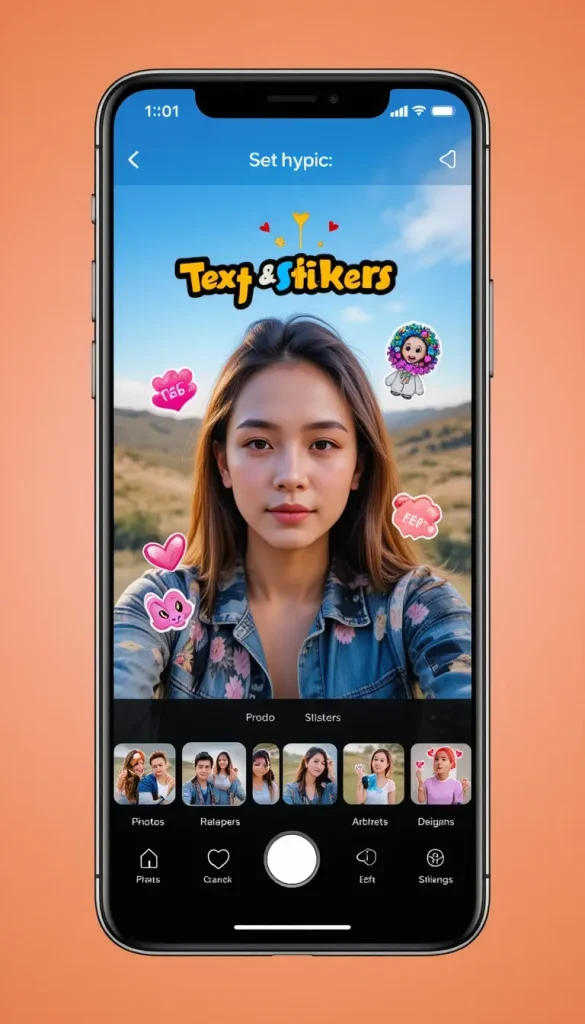
- Use the toolbar to change colors, fonts, text stickers, or sizes.
Save or Share Your Design
- When you are finished editing, click on the Done option so that you can move on to the next step.
- Click Download to save the edited photos to the gallery.
Hypic AI Photo Editor Subscription Plans
| Plan Type | Duration | Price ($) |
| Hypic Pro | Monthly | $2.99 |
| Hypic Pro | Monthly | $4.99 |
| Hypic Pro | Monthly | $6.99 |
| Hypic Pro | Monthly | $14.99 |
| Hypic Pro | Monthly | $24.99 |
| Hypic Pro | Yearly | $12.99 |
| Hypic Pro | Yearly | $14.99 |
| Hypic Pro | Yearly | $35.99 |
| Hypic Pro | Yearly | $109.99 |
| Hypic Pro | Yearly | $199.99 |
Pros and Cons Of Hypic Mod APK
Pros
- You can edit and improve your pics using smart AI technology.
- This app creates a welcoming interface for beginners and makes it easy for them to edit pics.
- You can easily convert old photos into amazing photos with AI filters.
- You can transform unclear photos into stunning photos using the AI photo enhancement feature in the Hypic APK.
- The ability to create AI art from text prompts provides the added benefit of creating something new.
- This can help you work faster and save time without any disruptions.
- It has all the exclusive premium features enabled and can be used for free without any payment.
- In this, ads do not show while editing photos. You can edit photos smoothly without ads.
Cons
- Some AI effects, AI filters, and AI advanced features are paid for, but not everyone can afford them.
- The Hypic APK is not available in all locations, India being one of them.
- You have to use a VPN for the Hypic.
- AI art doesn’t always do the correct thing; it sometimes causes errors.
- A powerful device is necessary to use the Hypic Mod apk.
- Downloading it from any untrusted sources is dangerous. It should be downloaded from a safe and secure site.
- Older devices cause the Hypic APK’s performance to slow down.
- Since the modified version causes bugs and errors.
Best Alternatives to Hypic Mod APK
If you are looking for apps like Hypic Mod APK, then this list will be the best guide for you. There are countless apps available for editing, but we have selected five of them that are at the forefront in terms of features, ease of use, and professional results. Whether you need quick edits for social media or professional-level video editing, this list provides great options.
CapCut
CapCut is currently one of the most popular video editing apps globally. Its most special feature is that it not only provides basic editing but also provides professional-level features. The frame animation in the app allows you to add creative movement to your videos. In addition, the background remover makes photos and videos more professional, and it provides the greatest facility, such as auto caption. CapCut’s design is simple and user-friendly, and even if you are a complete beginner, you can use this app easily. Even if you are a pro editor, it has so many features that you can take your creativity to a professional level.


InShot
InShot is a popular video editing app designed specifically for today’s content creators. Its biggest advantage is that it is fast and easy, which allows even new users to create professional-looking videos without any difficulty. With this app, you can quickly trim your videos and easily cut out unwanted parts. Not only that, InShot also allows you to add music, texts, stickers, and filters to your videos, which makes your content look more interesting and unique. This app is especially great for social media. Whether you want to create Instagram reels, create TikTok videos, or create content on YouTube, InShot provides all the necessary features that are needed for quick and stylish editing.
After Effects
Adobe After Effects is a software that is considered an essential tool for professional editors and filmmakers around the world. It is not just an editing app, but a powerful platform for creating motion graphics and visual effects. With its help, you can create stunning images, captivating intros, and perfectly smooth transitions. In addition, After Effects has 3D designing, motion tracking, and advanced editing tools that you can use to take your creativity to the professional level. This is why these tools are most used in films, TV commercials, and high-level projects.
VN – Video Editor
VN Video Editor is a great video editor that combines simplicity and professional features. This app is specially designed for those who want to create beautiful and professional-level videos without any hassle. VN offers you multi-layer editing, through which you can work on several elements at the same time. Along with this, features like keyframes, attractive transitions, and color grading are also available, which make videos more creative and attractive. The biggest advantage is that VN does not display any watermarks or have any hidden charges. You can export your videos without any additional fees.
KineMaster
Kine Master is a video editor that combines both power and ease. This app provides you with various multi-layer editing features through which you can combine different elements, such as video, images, stickers, and text, in a single video in a creative way. In addition, smooth transitions and attractive animations make videos more professional and interesting. Another great feature of Kine Master is that you can export your videos in high quality and then share them directly on TikTok, YouTube, Instagram, or any social platform with ease. This feature is especially great for content creators who want to upload quickly without wasting time. Its interface is so easy that even new users can understand it immediately.
User Reviews
This App is Amazing!

This app is absolutely amazing to use. All the features are unlocked, so I don’t have to worry about subscriptions or payments, and the app doesn’t crash. Applying effects, filters, and transitions to videos and photos is very fun and fast. The best thing about it is that it also has the option to export in high quality. If you are fond of editing videos and photos, then this app is the best choice for you.
Kathleen J.
Reviewed on Sep 2, 2025
Truly a Game Changer!
This app is truly heartwarming. The biggest advantage is that there are no ads to bother you while editing. Open the app and start working immediately. The tools and features inside it are so easy that within a few minutes, the photos start looking completely professional. The filters, effects, and resolution options are all excellent. This app is a great choice for those who want clean and attractive results without wasting time.
Anne R.
Reviewed on Aug 2, 2025
Absolutely Worth It!
“Honestly, this app is absolutely worth it. The interface is clean and easy to navigate, and the results look very professional. I’ve tried many editing apps, but this one really stands out. It runs smoothly without any lag, which makes editing even more enjoyable. Definitely one of the best apps I’ve used so far. I also love how everything feels well-designed and intuitive. It’s the kind of app you keep coming back to.”
Jhony S.
Reviewed on Feb 26, 2026
Best Editing Experience Ever!
This app is truly amazing, so great, and available for absolutely free. The best part is that whether you are a beginner or an editing expert, this app is designed for both. Every feature is easy to understand, and the results are always amazing. The templates have truly won my heart. I want to use them again and again.
Michael R.
Reviewed on Aug 25, 2025
Simply Outstanding!
This app is amazing. It transforms my ordinary and simple photos into beautiful and creative ones in just a few minutes, leaving the viewer amazed. The features in the app, unique filters, and attractive templates really add life to the photo. The best thing is that all the premium options are available without any payment. Now, not only has photo editing become more enjoyable, but every result looks as if it were created by an expert graphic designer.
Hayyat H.
Reviewed on Aug 25, 2025
Next-Level Editing Power!
“I’m genuinely impressed by the editing power this app offers. It’s fast, intuitive, and packed with useful tools. It makes the whole process feel effortless and delivers great results every time. I’ve been using it regularly, and it hasn’t disappointed me once. Everything works smoothly, which makes editing much more enjoyable. The features feel modern and well thought out. It’s definitely one of the most reliable apps I’ve tried.”
Alida M.
Reviewed on Mar 19, 2026
FAQS
My Personal Opinion About Hypic
As AI is increasing rapidly, I have started using photo editing apps with AI features for some time now. I have used many apps for three years. It has been no less than a wonderful journey for me, where I have used many apps to do my work quickly. This is a special feature of the app.
In many apps, these features make it easy for the user to do their work, but in some apps, there are difficulties due to subscription, which is impossible for everyone to pay for. So I looked for an app in which you can easily edit your photos without any subscription.
The name of this tool is Hypic Mod APK, which is an AI art and photo editor app. It has many better features like AI cropping, AI filter effects, background removal, AI photo quality enhancement, and many more features. It makes the journey of your photos easier and faster.
Final words
Overall, Hypic Mod APK is a veritably good editing platform that allows us to edit multiple pics, but it is not available in many locations, one of which is India, so you have to use a VPN to use it. Sometimes, the Mod APK takes a long time to upload pics. In terms of work, this app is veritably good. It works quickly and takes less time. It is a valuable app. Its features include AI effects, AI art, and other advanced AI functionalities. In this, you can remove the background with one click, edit the background, and create video thumbnails. All these features are available in this application.
In it, you can fluently convert bad pics into wonderful photos using AI filters, and in it, you can convert poor pics into excellent pictures using AI pic enhancement features. In this app, all VIP Paid features are unlocked, and you can use them for free of charge. The biggest advantage of this is that no ads appear during editing, which means we can get more work done in less time.